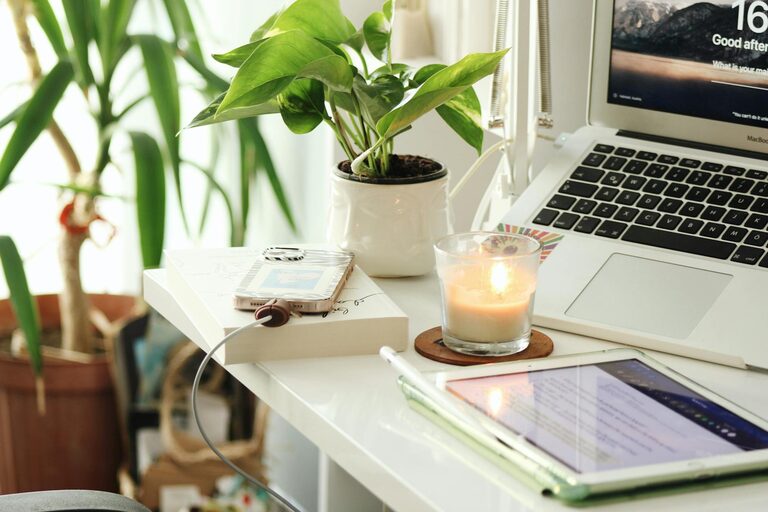
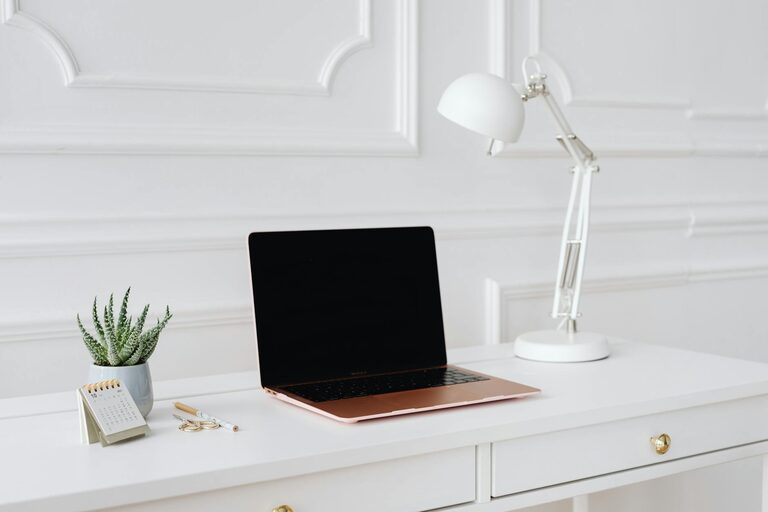
Working from home has become a common practice for many, making it more important than ever to create a home office environment that supports productivity and wellbeing. A well-organised and comfortable workspace can help maintain focus, reduce stress, and improve work-life balance.
In this post, we’ll explore practical tips and ideas to help you design a home office that encourages productivity and makes your day more enjoyable.
1. Choose the Right Location
Selecting the best spot for your home office is the first step towards creating a productive environment.
– Quiet area: Pick a room or corner away from household noise and distractions.
– Natural light: Position your desk near a window to take advantage of daylight. Natural light can improve mood and energy levels.
– Space: Ensure you have enough room for your desk, chair, and any other essentials without feeling cramped.
2. Invest in Ergonomic Furniture
Your physical comfort plays a crucial role in productivity. Ergonomic furniture helps prevent discomfort and health issues.
– Chair: Use a chair with adjustable height, proper lumbar support, and comfortable padding.
– Desk: Choose a desk with sufficient surface area to accommodate your computer, documents, and accessories.
– Monitor height: Position your screen so your eyes are level with the top of the monitor to avoid neck strain.
3. Optimise Lighting
Lighting affects your concentration and eye health. Aim for a mix of natural and artificial light sources.
– Task lighting: Use a desk lamp with adjustable brightness to reduce eye strain while reading or writing.
– Avoid glare: Position your screen and lighting to minimise reflections and glare.
– Ambient lighting: Combine overhead lights with softer lamps to create a balanced lighting environment.
4. Keep Your Workspace Organised
A tidy workspace reduces distractions and helps maintain focus throughout the day.
– Declutter: Remove items that are not work-related to keep your desk clear.
– Storage solutions: Use shelves, drawers, and organisers to store documents and supplies neatly.
– Daily clean-up: Make it a habit to tidy your workspace at the end of each day.
5. Manage Technology Efficiently
Technology is central to working from home, so ensure your setup supports your tasks without frustrations.
– Reliable internet: Choose a fast, stable internet connection to avoid interruptions.
– Cable management: Use clips or ties to keep cables organised and out of the way.
– Essential devices: Only keep the technology you need close by, such as your computer, printer, or headphones.
6. Personalise Your Space
Adding personal touches can make your home office a welcoming place and increase your motivation.
– Plants: Potted plants or small succulents improve air quality and add a calming element.
– Artwork: Hang pictures or inspirational quotes that positively influence your mood.
– Comfort items: Keep a cosy cushion or a favourite mug nearby to make the space inviting.
7. Establish Boundaries
Setting boundaries helps separate work time from personal time and maintains balance.
– Clear start and finish times: Set regular working hours to protect your downtime.
– Signage: Use subtle signs to let family members know when you are busy.
– Break areas: Step away from your desk during breaks to recharge.
8. Use Sound to Your Advantage
Sound management can prevent distractions and improve concentration.
– Noise-cancelling headphones: These help block out background noise.
– Background music: Play low-volume instrumental music to create a focus-friendly atmosphere.
– White noise machines: Use white noise or nature sounds if you find other noises disruptive.
9. Keep Refreshments Handy
Staying hydrated and nourished supports energy levels and brain function.
– Water bottle: Keep a reusable water bottle on your desk.
– Healthy snacks: Store nuts, fruit, or other healthy snacks within reach.
– Separate eating space: Whenever possible, eat away from your workspace to avoid mess and help your mind reset.
10. Regularly Review and Adapt Your Setup
Your needs might change over time, so periodically assess your office space.
– Comfort: Notice any discomfort and adjust furniture or layout accordingly.
– Productivity: Experiment with changes such as new lighting or storage solutions.
– Technology: Upgrade devices or software as needed to maintain efficiency.
—
Creating a productive home office environment does not require major expenditures or renovations. By focusing on comfort, organisation, and personalisation, you can create a workspace that helps you stay motivated and focused while working from home. Remember, even small changes can make a significant difference to your daily routine.