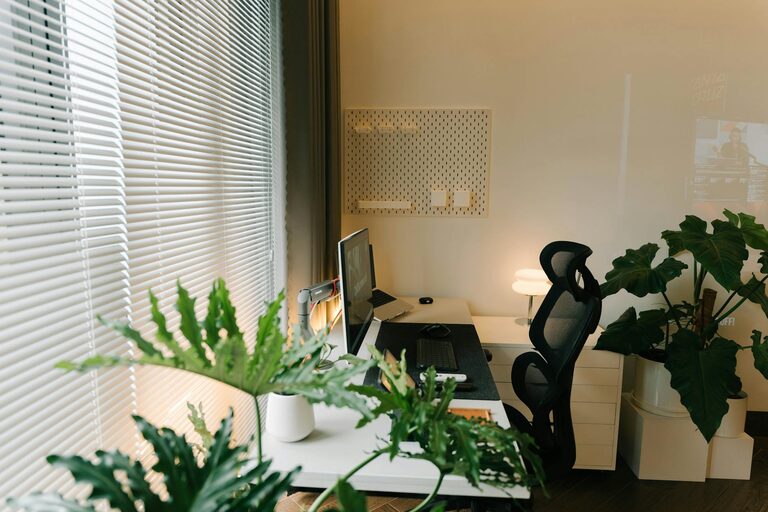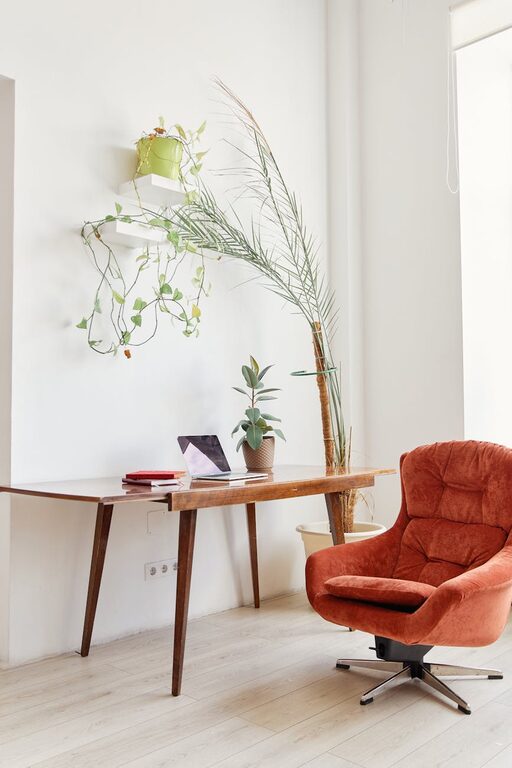
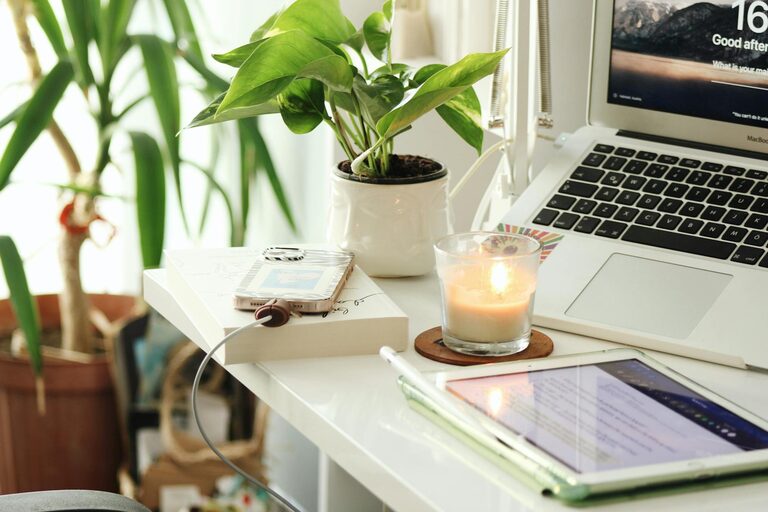
Creating a productive home workspace is essential for anyone working or studying from home. A well-designed environment can improve focus, reduce distractions, and help maintain a healthy work-life balance. Whether you have a dedicated room or a small corner in your living space, these tips will guide you in setting up an effective and comfortable workspace.
Choose the Right Location
Selecting the best spot for your home workspace is the first step towards productivity.
– Natural Light: Try to position your desk near a window to take advantage of natural light. Sunlight can boost your mood and reduce eye strain.
– Quiet Area: If possible, choose a quiet part of your home to minimise distractions. Avoid high-traffic zones where household noise may interrupt your work.
– Separate Space: Having a dedicated work area helps create a clear boundary between work and home life. This separation can improve focus and prevent burnout.
Invest in Comfortable Furniture
Ergonomics plays a significant role in productivity and physical well-being during long hours of work.
– Ergonomic Chair: Choose a chair that supports your lower back and allows your feet to rest flat on the floor.
– Desk Height: Your desk should be at a height where your elbows can rest at approximately 90 degrees when typing.
– Adjustable Equipment: Consider a sit-stand desk or adjustable monitor stands to change your posture throughout the day and reduce strain.
Keep Your Workspace Organised
Clutter can be a major distraction. Maintaining an organised workspace helps you focus better and find items quickly.
– Storage Solutions: Use shelves, drawers, or filing cabinets to store documents and office supplies neatly.
– Cable Management: Use clips or cable organisers to keep electrical cords tidy and avoid tripping hazards.
– Minimalist Approach: Keep only essential items on your desk. Store non-essential items elsewhere to maintain a clean surface.
Personalise Your Workspace
Adding personal touches can make your workspace feel inviting and motivate you throughout the workday.
– Plants: Indoor plants can improve air quality and add a touch of nature.
– Photos or Art: Small pictures or artwork can create a pleasant atmosphere without distracting you.
– Inspirational Quotes: Place quotes or reminders that encourage positivity and focus.
Manage Lighting and Screen Setup
Proper lighting and screen placement reduce eye strain and improve concentration.
– Balanced Lighting: Combine natural light with soft, warm artificial lighting. Avoid harsh overhead lights or glare on your screen.
– Screen Position: Place your computer screen at eye level, about an arm’s length away. This prevents neck strain and promotes good posture.
– Blue Light Filters: Use screen protectors or software to reduce blue light exposure, especially if you work late into the evening.
Plan Your Workday and Breaks
A productive workspace is more than just physical space—it supports your work habits, too.
– Work Schedule: Set regular hours to establish routine and discipline.
– Breaks: Take short breaks every hour to stretch your legs and rest your eyes.
– Task Lists: Use to-do lists or planners to track tasks and priorities.
Minimise Distractions
Reducing interruptions helps maintain focus and efficiency.
– Turn Off Notifications: Silence unnecessary phone or computer notifications during focused work periods.
– Use Headphones: Noise-cancelling headphones or calming music can help block out household noise.
– Communicate Boundaries: If you live with others, let them know your work hours to minimise interruptions.
Optimise Technology and Connectivity
Reliable technology is crucial when working from home.
– Stable Internet: Ensure your internet connection is fast and reliable to avoid disruptions.
– Essential Tools: Keep your software and devices updated for smooth operation.
– Backup Plans: Have a way to save your work regularly, such as cloud storage or external drives.
Stay Healthy and Comfortable
A workspace that supports your health promotes sustained productivity.
– Good Ventilation: Fresh air helps keep you alert and comfortable.
– Hydration and Snacks: Keep water and healthy snacks nearby.
– Exercise: Incorporate gentle stretches or short exercises during breaks to relieve tension.
—
By putting thought into your home workspace setup, you can create an environment that supports productivity and well-being. Small adjustments—like improving lighting, organising your desk, or setting boundaries—can make a big difference to your daily work experience. With these tips, you’re well on your way to a workspace that helps you do your best work from home.